Deposit Steam skins
Convert Steam skins to Bux on FortBux through the Steam Skins deposit option.
Updated August 3, 2026

Steam Skins is a deposit method on FortBux. You trade eligible Steam inventory items through the partner flow, then receive Bux once the trade completes.
Open Steam Skins deposit
- 1
Sign in on fortbux.com.
- 2
Open Deposit and choose Steam Skins.
- 3
Follow the on-screen partner steps to select skins and start the trade.
- 4
Accept the Steam trade offer from the official partner bot shown in the flow.
Wait for confirmation. Bux credit after the trade completes and the partner confirms.
You can also jump in from here:

Before you trade
You will usually need your Steam trade link so the partner can send the offer.
- 1
Copy your trade link from Steam: Trade URL / privacy settings (sign in to Steam first). On that page, use Who can send me Trade Offers? and copy your Trade URL.
- 2
Paste that link into the FortBux Steam Skins deposit flow when asked.
- 3
Use a Steam account that can trade (not trade-banned, Mobile Authenticator ready when Steam requires it).
- 4
Confirm the trade bot name matches what FortBux / the partner shows. Never trade from a Discord DM.
- 5
Leave enough Steam inventory and trade hold time for the items you select.
Keep the trade offer page open until you accept, then wait for Bux to appear.
Good to know
Deposit options can vary by region and account status. If Steam Skins is missing, another method from Deposit methods overview may still be available.
After the trade
- Bux usually lands soon after partner confirmation. Network or trade holds can add delay.
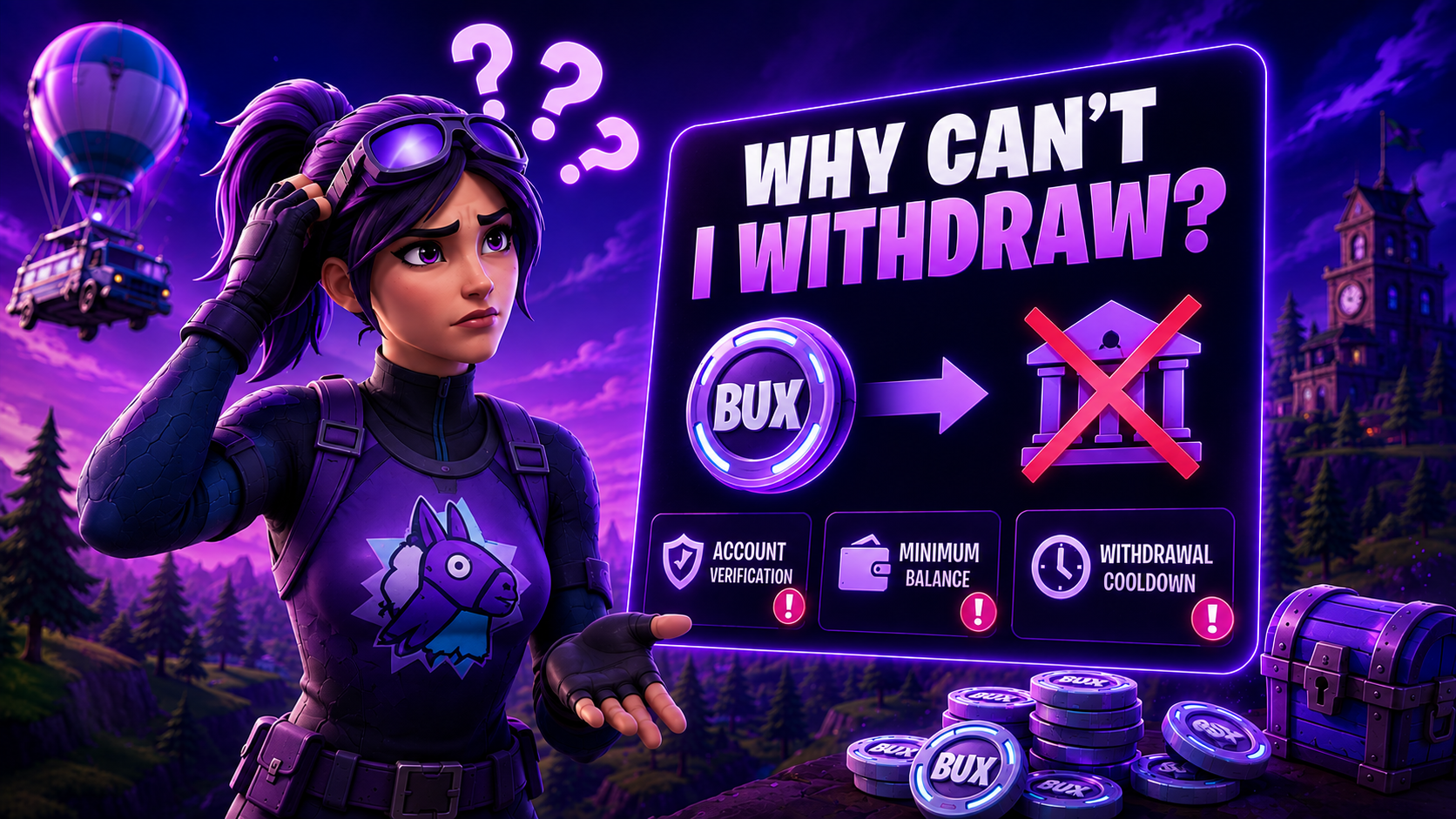
- Deposits start the 1x wager requirement before that balance can be withdrawn. See Why can't I withdraw?.
- Save the trade offer ID if credit is late.
Common issues
- Trade expired: Start a new Steam Skins deposit and accept promptly.
- No credit yet: Confirm the trade completed on Steam, wait a few minutes, then contact support with the trade offer ID.
- Items cancelled / returned: Re-check the partner status page from the FortBux deposit screen before retrying.
For other ways to add balance, see Deposit methods overview. If a deposit or survey reward never arrived, use Missing deposit or survey credit.
Was this helpful?