Missing deposit or survey credit
Troubleshoot delayed Steam, crypto, card, Difmark, or survey credits on FortBux.
Updated August 3, 2026
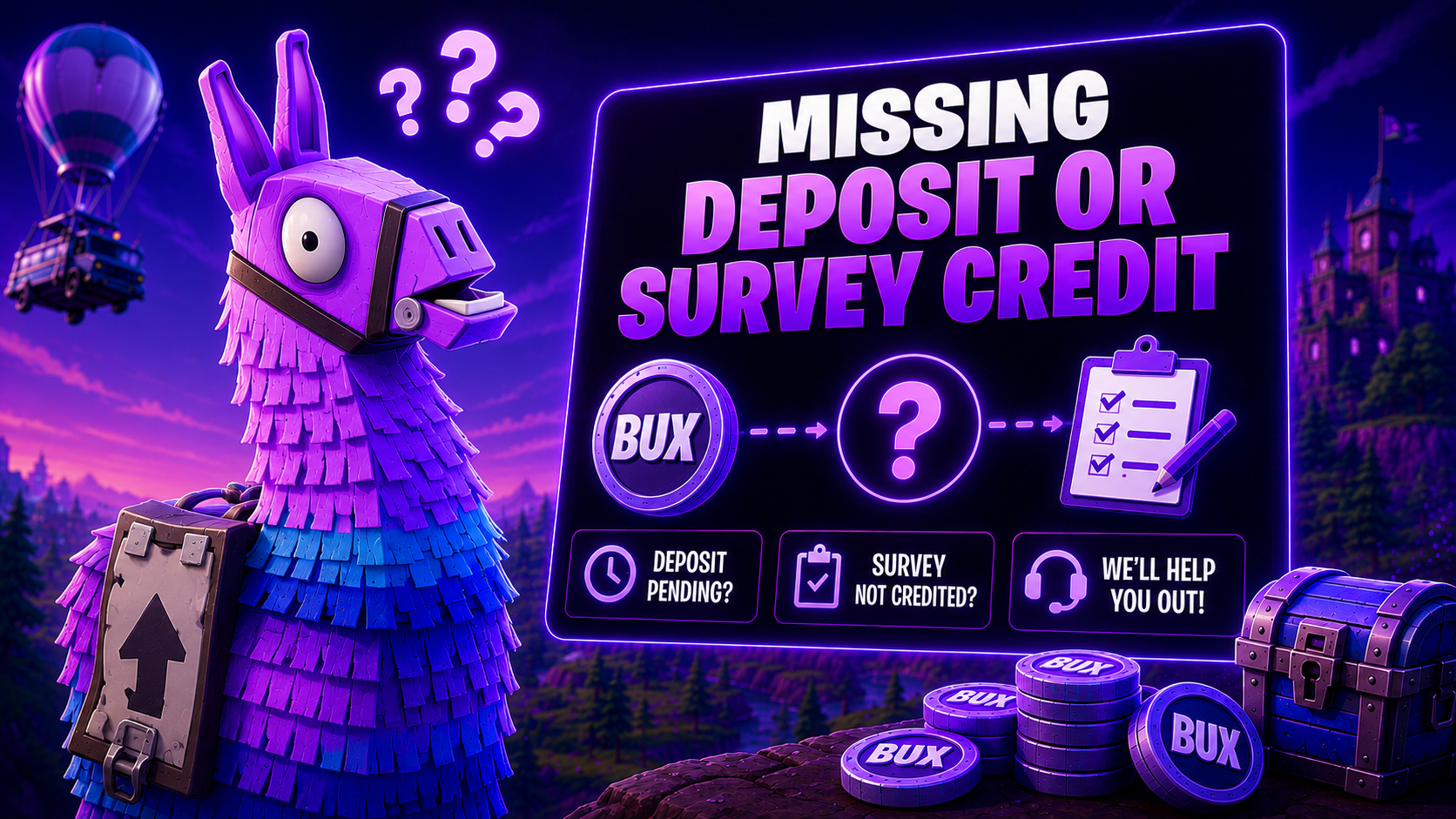
Balance updates are not always instant. Use this guide before opening a ticket so support has what they need.
Quick checks
- 1
Refresh fortbux.com and confirm you are on the correct account.
- 2
Wait a few minutes. Crypto confirmations and partner tracking can lag.
- 3
Confirm the payment, trade, or offer actually completed on the provider side.
Gather IDs (transaction hash, trade offer ID, payment receipt, survey/offer ID).
By method
Steam skins deposit
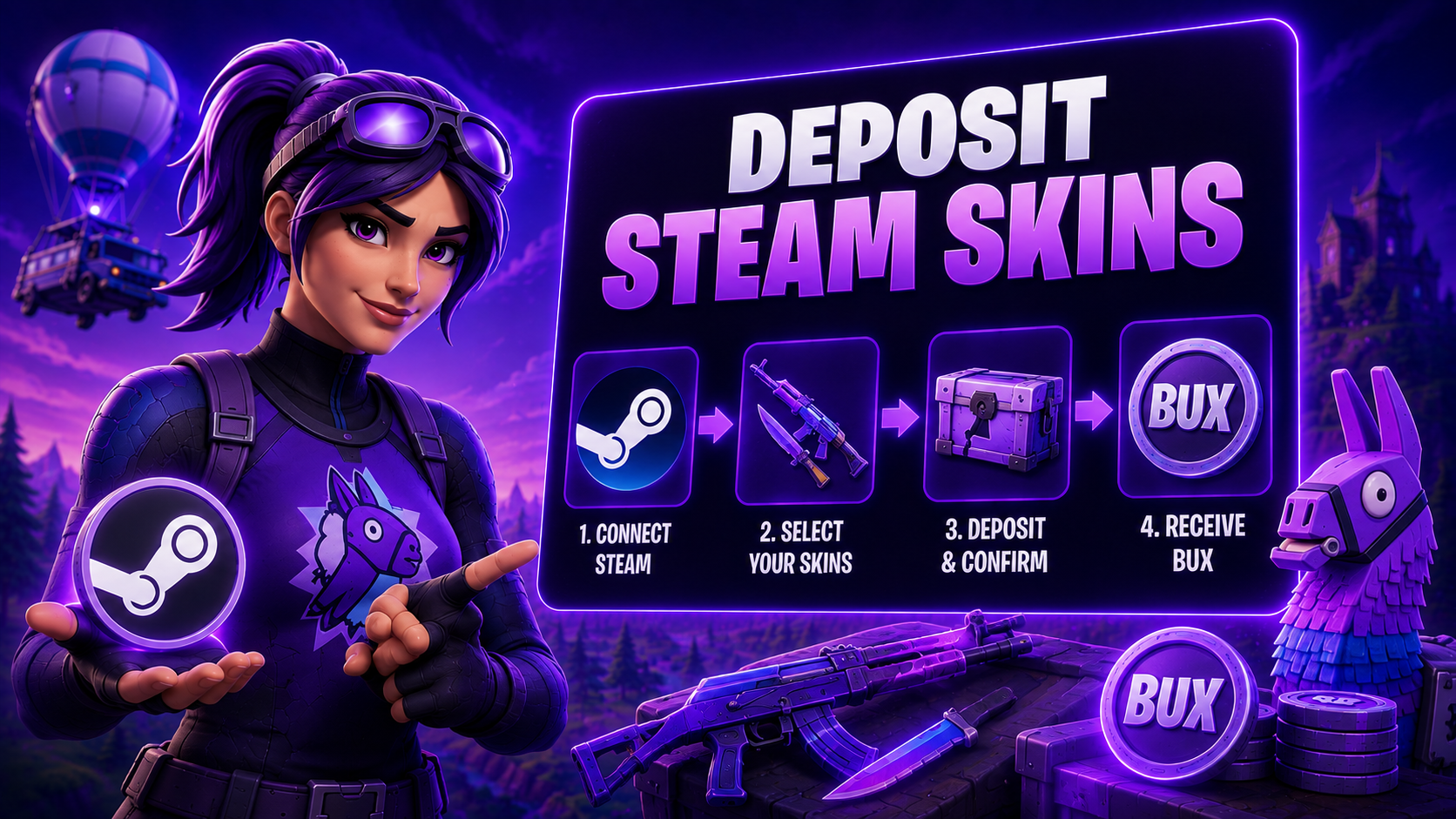
Confirm the Steam trade completed with the partner bot from the FortBux Steam Skins flow. Keep the trade offer ID. Full walkthrough: Deposit Steam skins.
Crypto deposit
Confirm you sent to the exact address and network shown on FortBux. Wrong-network sends often cannot be recovered. Keep the transaction hash.
Cards and Difmark
Keep the receipt or voucher code. Check whether the payment provider shows success, pending, or failed.
Surveys and offerwalls
FortBux credits Bux only after the survey provider confirms the reward.
- Contact the provider’s support first (CPX, Lootably, AYET, and others).
- FortBux cannot force a partner to approve a disputed offer.
- Providers can later chargeback credit, which can create a negative balance.
More detail: Earn your first Bux with surveys.
When to contact FortBux support
Open a Discord ticket if the provider shows success and FortBux still shows no credit after a reasonable wait. Include:
- Username
- Method (Steam, crypto, card, Difmark, survey partner)
- Amount and approximate time
- Transaction hash, trade ID, receipt, or offer ID
- Screenshots of the completed status
Never send funds or skins to addresses shared in DMs. Only use official fortbux.com deposit screens.
Was this helpful?