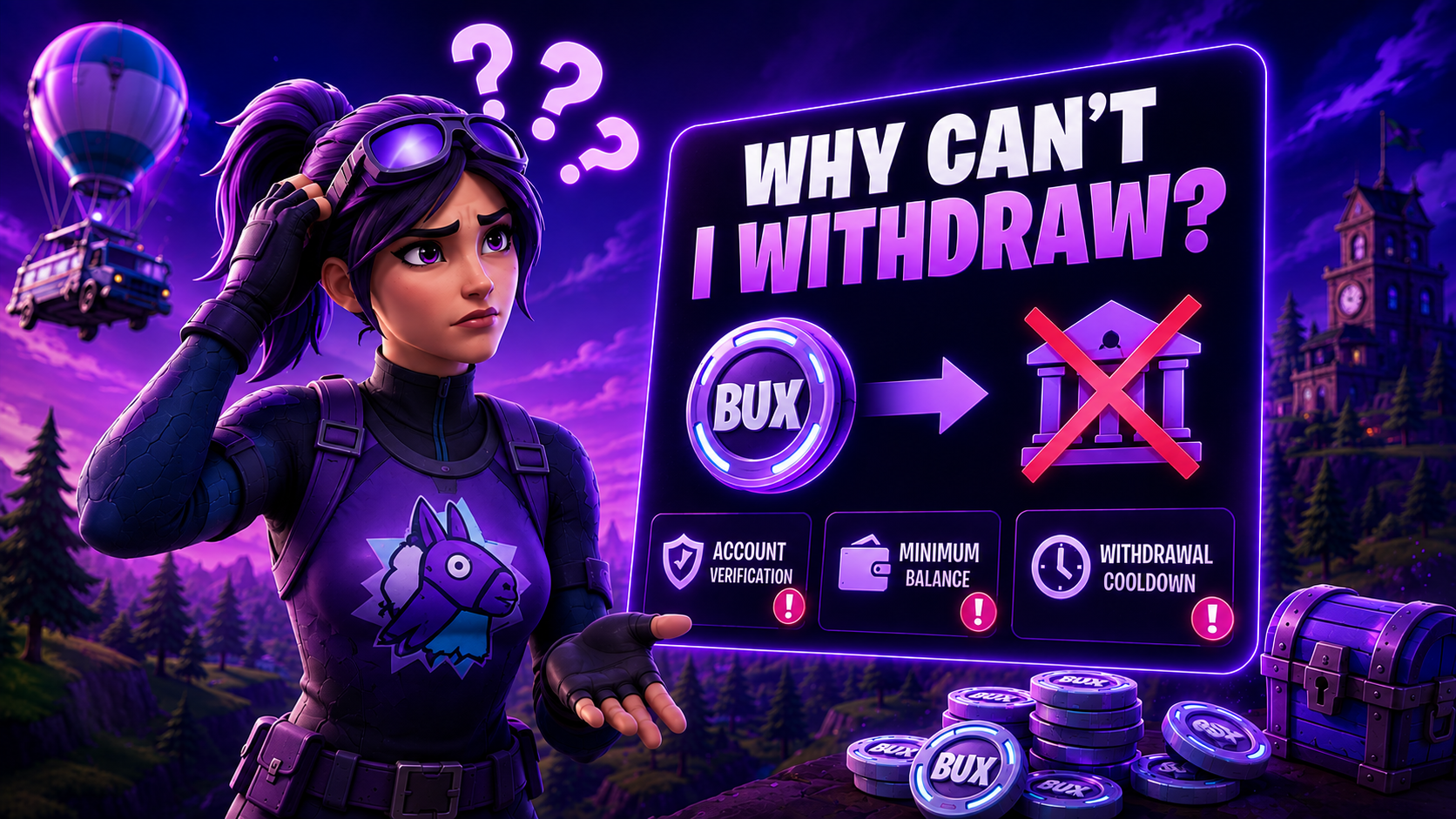
Withdraw crypto
Redeem eligible Bux to USDT, SOL, LTC, BTC, BNB, USDC, or ETH on FortBux.
Updated August 3, 2026

Crypto withdraws pay eligible Bux to an address you control. Finish withdraw eligibility before you start.
Supported crypto
Tap a coin to open it on FortBux.


Skins are covered separately in Withdraw skins from the marketplace.
How to withdraw crypto
- 1
Confirm you meet wager and weekly deposit rules.
- 2
Open Withdraw and choose a crypto tab.
- 3
Enter the exact destination address for that coin and network.
- 4
Double-check the network (for example the correct USDT chain) before confirming.
Submit the withdraw and keep the on-screen order details or transaction hash.
Wrong network
Sending to the wrong network or a mistyped address can mean permanent loss. FortBux cannot recover funds sent to an incorrect address.
Timing and fees
- Network confirmation times vary by coin and congestion.
- Fees or minimums shown on the withdraw screen apply to that payout.
- Processing can take longer during high traffic. Wait for the status to update before opening a ticket.
If a crypto withdraw is delayed
- 1
Confirm the withdraw status on FortBux first.
- 2
Copy the transaction hash if one exists.
Contact support with your username, coin, amount, destination address, and hash.
Never send crypto to an address shared in DMs. Only use the official fortbux.com withdraw flow.
Was this helpful?